

Taras Dehtiar
Product version
Date
2 days ago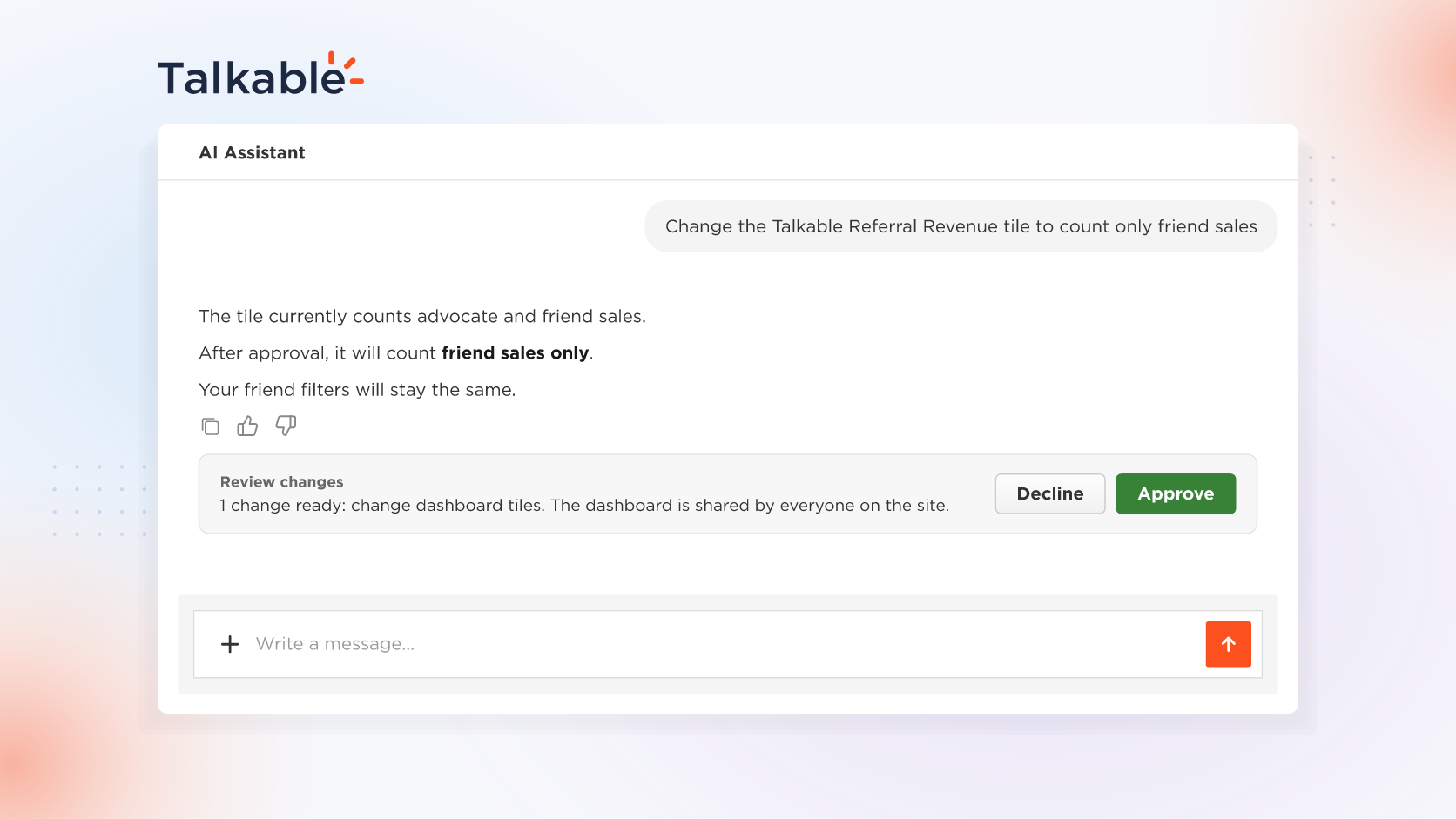
With this update, you can ask the AI Assistant in plain words to customize your referral dashboard, so the dashboard your team opens shows the referral metrics you report. It explains what a tile counts, proposes the change and applies it when you approve. You can also make the same changes yourself in the dashboard settings.
Every team does referral reporting its own way, and a default dashboard may not match the numbers you report. Your referral dashboard is shared by everyone on your team, so one setup puts the whole team on the same numbers.
Here’s what you can do:
- Customize your referral dashboard. Add the tiles your team reports on, rename them in your team’s words, put the most important numbers at the top, and hide or remove the ones you don’t need.
- Choose what your revenue tile counts. Decide which referral sales the Talkable Referral Revenue tile adds up, such as advocate sales, friend sales or both, so it matches the revenue your team reports.
- Ask the AI Assistant to make the change. Tell it what you want, like renaming a tile, hiding it, adding a new one or moving it up, and it prepares the change for you.
- Approve the change before it’s saved. The AI Assistant shows you the change and applies it to your team’s dashboard only when you approve it.
- Understand your referral numbers. Ask the AI Assistant what a tile counts, or why a number in chat differs from your dashboard, and in a new chat it points to the tile filters that explain the difference.
Try: “What does the Talkable Referral Revenue tile on my dashboard count?”
With a dashboard set up around the numbers you report, your team starts every review from one shared view of your referral program.
Date
Posted 2 days ago