

Taras Dehtiar
Product version
16.02.25
Date
8 months ago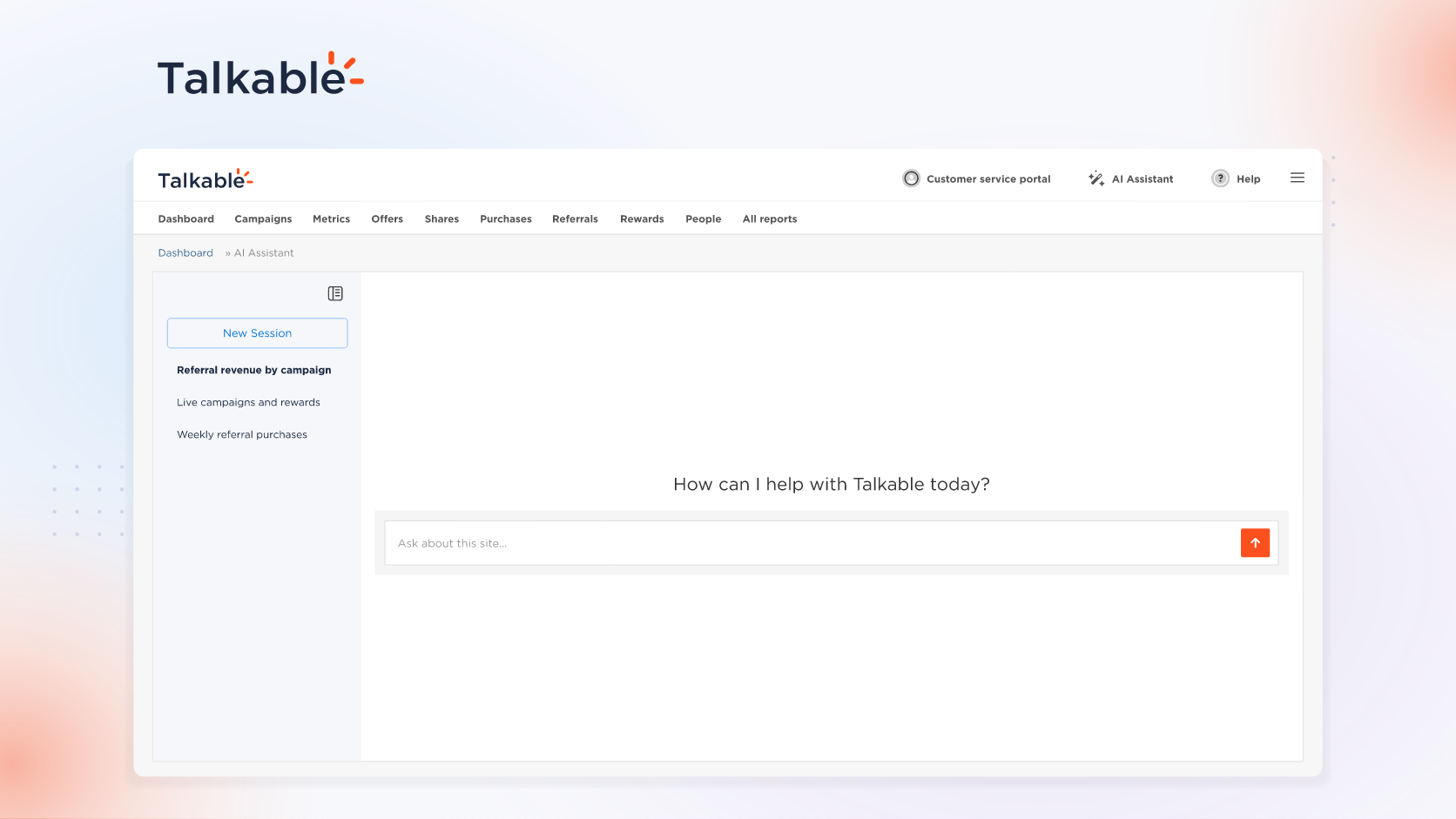
We’ve introduced the Talkable AI Assistant in your dashboard: open a site, choose AI Assistant, and ask about your referral program in plain language.
Referral numbers read best alongside everything behind them: campaigns, rewards, settings changes, and how your site is set up. The AI Assistant connects those dots in one answer, from your own data.
Here’s what you can do:
- Answers from your own metrics. Ask for any metric, filtered by period, campaign, traffic source, device, sharing channel, or A/B test, broken down by day, week, month, or campaign.
- Campaign and settings visibility. How campaigns, rewards, A/B tests, and traffic sources are set up, including campaign copy and configuration, plus site and account settings and their change history.
- Setup health in one question. One answer covers whether the Talkable script is on your site, the latest tracked purchase or event from the past week, and your store platform connection. The assistant also shows where each campaign appears, by page, device, and status.
- Saved conversations and follow-ups. Conversations are saved for each site, and follow-up questions keep the context, so you can pick up an analysis where you left it.
Try: “Referral revenue grew last month. Compare it with the month before, show which campaigns drove it, and list what changed in our campaign settings.”
The AI Assistant gives your team answers about your own program, from the numbers to the setup behind them.
For setup details and example prompts, see the Talkable AI documentation.
Date
Posted 8 months ago