

Ksyusha Bespalova
Product version
16.03.13
Date
6 months ago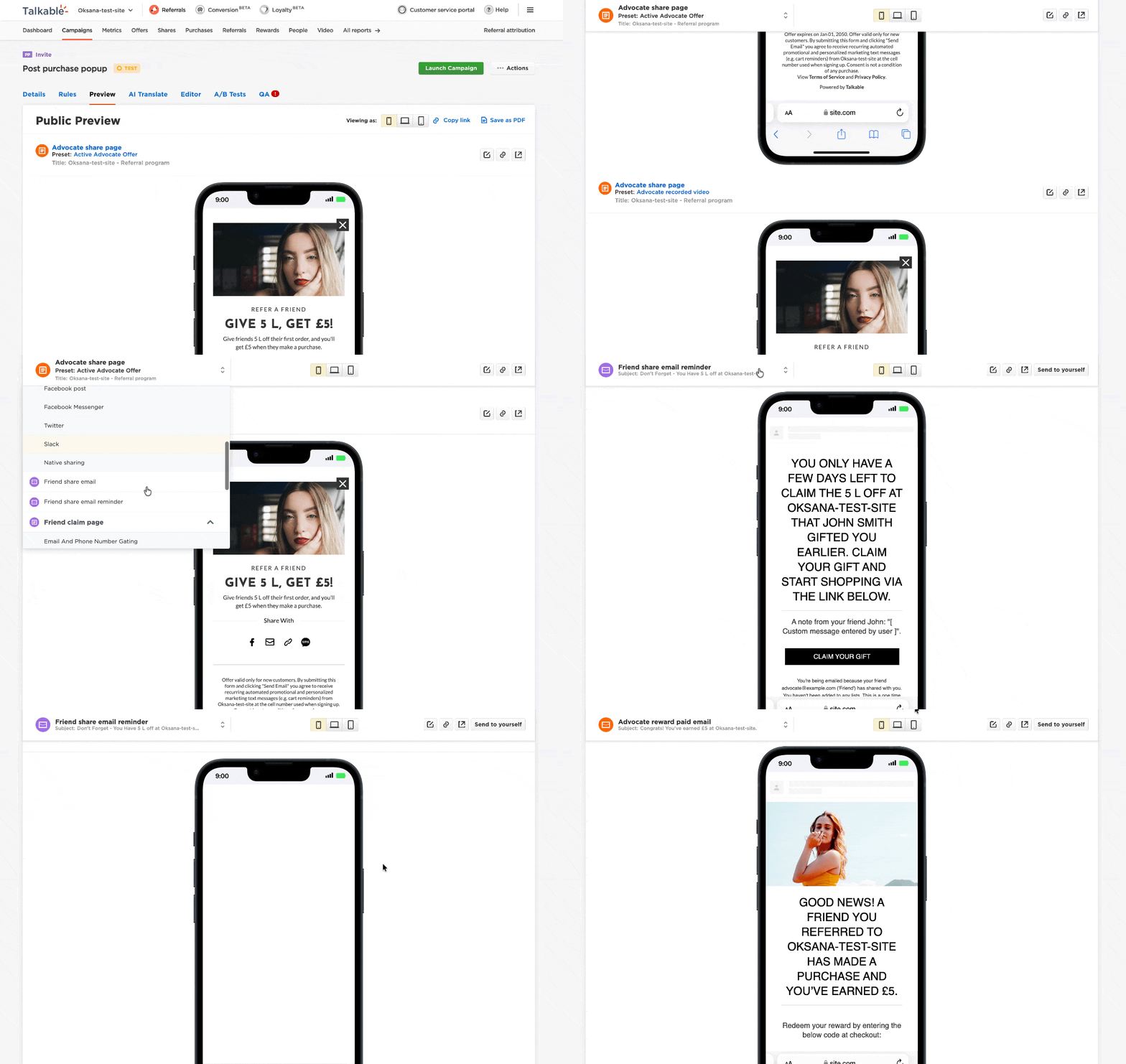
Reviewing a campaign preview with multiple sections used to mean a lot of scrolling. Now it doesn’t.
We’ve added a sticky navigation menu to the Campaign Preview page. It stays visible as you scroll, so you can jump between sections instantly — without losing your place or scrolling all the way back to the top.
Here’s how it works:
- A navigation bar sticks to the top of the page as you scroll through a campaign preview
- The active section is highlighted automatically so you always know where you are
- Click any section to jump directly to it — the URL updates so you can link to a specific view
- Responsive layout — works across different screen sizes
For teams reviewing campaigns with multiple states — referral widget, emails, share pages — this means faster review cycles and less friction when checking your work before going live.
Date
Posted 6 months ago