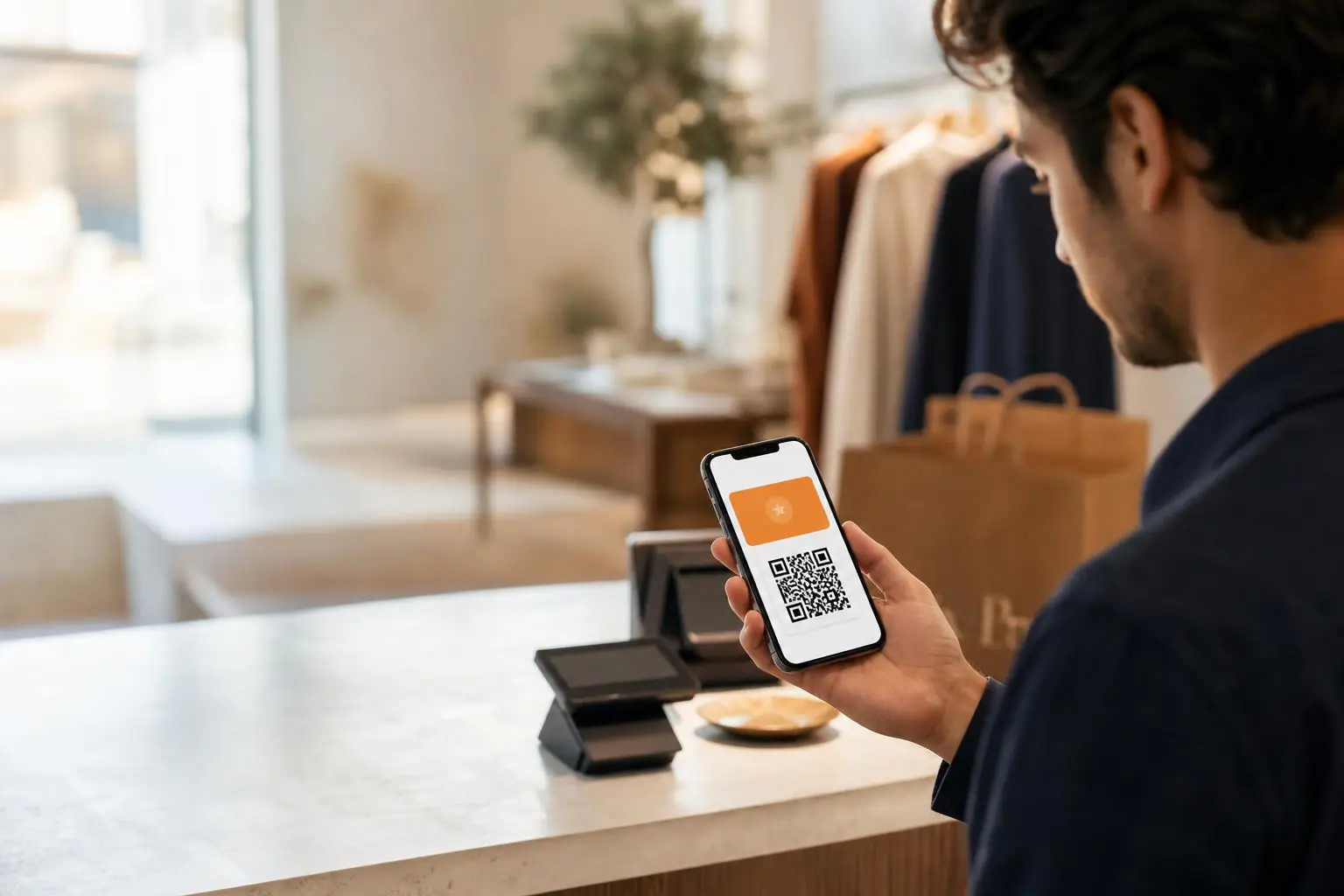

Apple Wallet passes give ecommerce brands a simple place to keep an earned reward, a member benefit, or a timely offer after the customer leaves the site. The pass only works when it makes a real customer task easier.

What an Apple Wallet pass does for ecommerce
An Apple Wallet pass is a digital card a customer can save to their phone. In ecommerce, it can hold a referral reward, store credit, a membership identifier, an offer with an expiry date, or a barcode that works in a store. It is not a replacement for an ecommerce site, a loyalty platform, or a mobile app. It is a shortcut to one useful piece of information at the moment a customer needs it.
That distinction matters. Plenty of Wallet ideas look good in a kickoff deck and feel pointless in a customer’s phone a week later. A pass that only repeats a generic promotion gets buried. A pass that shows a reward someone earned, tells them when it expires, and gives them a clear way to use it has a job.
For a referral program, that job can be especially clean. A customer earns a credit after a friend buys. The credit appears on the pass. The pass gives them a route back to the brand when they are ready to redeem or share again. The customer does not need to dig through an old email or remember which account page held the reward.
Start with the customer moment, not the channel
The best invitation is attached to an event the customer already understands. A post-purchase page can work. So can a referral-reward confirmation, a member-benefit unlock, or an account page where a shopper is already checking their balance. The invitation should answer one question before the customer has to ask it: why save this?
“Save your $20 referral credit” is clear. “Add to Wallet” without context is not. A customer should know what they will see later, what can change, and where the pass will help. If the answer is vague, the offer is probably early.
Wallet pass lifecycle
A pass is not a campaign landing page. It is a maintained customer utility.
Choose a pass type that matches the job
There is no universal ecommerce Wallet pass. A membership card is useful when a customer needs an identifier or status. A reward pass is useful when they need to find and use a benefit. A campaign pass is useful when the offer has clear terms and a real deadline. Teams get into trouble when they try to put all of those jobs into one crowded card.
| Customer moment | What the pass should show | Useful next action |
|---|---|---|
| A referral reward is approved | Reward amount, eligibility, and expiry if there is one | Redeem the credit or return to the referral hub |
| A member checks out | Member ID, current benefit, or status | Open the account or present the pass in store |
| A customer earns store credit | Available balance and plain-language usage terms | Shop eligible products |
| A local event or appointment is coming up | Date, location, access details, and a scannable code where appropriate | Check in or view event details |
A pass has limited space. Keep the lead item current and obvious. Long legal copy, competing discounts, or an old campaign line make the pass harder to scan. If someone needs more detail, link them back to an authenticated account page or a support article. The pass should make one thing faster, not try to carry the whole program.
How referral rewards work better in Wallet
Referral rewards are easy to forget because the reward event and redemption event are often separated by days or weeks. Email does the first part well: it can confirm the reward and explain the terms. Wallet can help with the second part by keeping the reward somewhere the customer can find later.
A good referral-reward pass includes the reward state in normal language. “Pending” should not look like “available.” A reward that has expired should not still appear usable. A customer with multiple rewards should not have to guess whether the balance is combined or separate. Small details like these are where the experience either feels trustworthy or starts a support ticket.
There is also a simple engagement upside. Once a customer has a pass, a program update can be attached to a behavior that already happened: the friend made a purchase, the reward cleared, the balance changed, or an offer is about to end. That is much better than sending another generic reminder because the campaign calendar needed activity.
Put a pass in front of a customer after they earn something worth coming back for. Do not ask them to save a card just because the technology exists.
Build the operating plan before you design the pass
The visual part goes quickly. The operational part is where Wallet projects either become useful or quietly drift. Before launch, write down the source of every field on the pass, who owns that source, and what happens when it is wrong. If a loyalty balance comes from one system and reward eligibility comes from another, define which one wins when the data does not match.
Also test the dull cases. A customer tries to use an expired code. A reward has been reversed. A shopper has two accounts. A store associate does not recognize the barcode. The customer has weak service. These scenarios are not glamorous, but they decide whether the pass reduces friction or adds a new kind of it.
Apple documents pass creation and updates in its Wallet developer guidance. If you support Android customers too, review the matching Google Wallet documentation before promising identical behavior. The platforms overlap, but product behavior and implementation details are not interchangeable.
Use updates carefully
A pass can change after it is saved. That makes it more useful than a static coupon, but it does not mean every campaign should become an update. Use a change when the customer’s situation changed: a reward became available, a balance changed, an offer was issued, or a real deadline is approaching.
Keep the update useful even if a notification never appears. Device settings, platform behavior, and individual preferences affect what a customer sees. The pass itself should still be clear when they open it later. If the pass only works when a push notification lands, the journey is too fragile.
Measure whether the pass is helping
Install rate is a good early signal, but it is not the finish line. Look at the action after the save: reward redemption, another referral share, repeat purchase, store check-in, or a support request. Compare pass recipients with a similar group that did not receive the invitation. That will tell you more than a raw install number.
Be careful with attribution. A pass view is not revenue. A notification is not a conversion. Keep the event model simple enough that the team can explain it: invitation shown, pass saved, pass updated, benefit used, and the customer action that followed. When a program cannot answer those basic questions, adding more fields rarely fixes it.
A practical first launch
Start narrow. Pick one audience, one existing benefit, and one place where the benefit can be used without confusion. A referral reward for recent advocates is a better first test than a pass that tries to cover every loyalty tier, promo, event, and store workflow on day one.
Give the pilot a real success condition. For example, the team might decide to keep the pass only if customers save it and use the associated reward at a meaningfully higher rate than the existing email-only flow. Decide that before the launch. It keeps the project honest and makes the next decision easier.
What to keep off the pass
The easiest mistake is turning the pass into a tiny homepage. A crowded pass asks the customer to decode a lot of marketing when they only wanted to check a credit or use an offer. Leave off the seasonal campaign copy, vague brand claims, and any code that a customer cannot actually use. If an offer has exclusions, say the important part plainly and provide a link for the full terms.
Do not show a balance that cannot refresh reliably. A slightly delayed balance may be acceptable if the pass tells the customer when it was last updated and support can resolve discrepancies. A wrong balance is worse than no balance. The same goes for expiry dates. If a team cannot enforce a deadline at checkout or in the account, placing a hard deadline on the pass creates an avoidable customer-service problem.
Be cautious with personal data. A member identifier may be useful, but a pass should not become a loose record of someone’s shopping history. Use only the information needed for the immediate customer task, and make sure the support team knows what to do if a phone is lost or an account is shared.
Questions ecommerce teams ask
Do customers need a mobile app to use an Apple Wallet pass?
No. A customer can save a pass to Apple Wallet without the merchant offering its own mobile app. The brand still needs a clear save flow, a reliable source of pass data, and a way for customers to use the benefit.
What should an ecommerce Wallet pass show?
Show the one piece of information the customer will need later, such as a reward balance, member identifier, current offer, or event access detail. Keep terms short and link out for deeper information.
Can a Wallet pass support referral rewards?
Yes. It can make an approved referral reward easier to find and use later. The reward state, eligibility, and redemption route must stay accurate.
Should every customer get a Wallet pass invitation?
No. Start with customers who have a clear benefit to save. Broad invitations without a clear value tend to create clutter.
How do teams know whether a pass is working?
Track saves and the useful action that follows, such as a redemption, another share, a repeat visit, or a purchase. Compare that behavior with a similar customer group that did not receive the pass.
Want to see where Wallet fits in a referral program?
Talkable helps ecommerce teams connect rewards, referral moments, and measurement without asking customers to hunt for what they earned.
Related reading: The Wallet install is the new welcome trigger.