

Taras Dehtiar
Product version
Date
4 months ago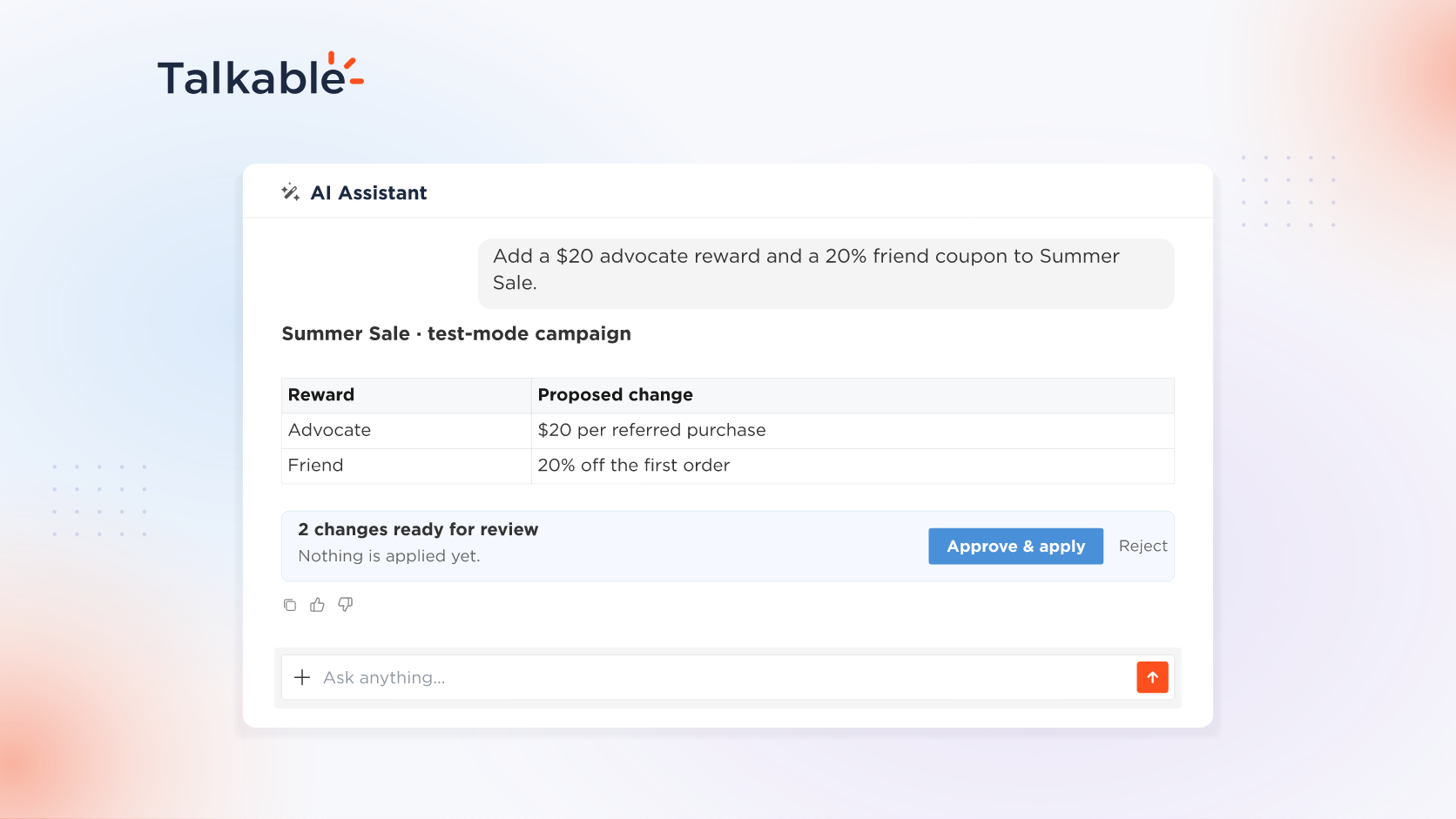
We’ve added campaign building to the AI Assistant in your Talkable dashboard. The assistant you already ask about your referral program builds a referral campaign with you end to end.
A referral campaign brings together many decisions: who qualifies, what advocates and friends earn, what each page and email says, and when it goes live. Describe it in plain language, and the assistant sets it up with you in test mode.
Here’s what you can do:
- Create the campaign. Start from a Standalone or Post Purchase preset, or clone an existing campaign, then set its schedule, offer duration, and destination URLs.
- Set rewards and coupon lists. Add advocate and friend rewards and decide who qualifies: new or existing customers, a minimum order value, a number of referrals, or once per person. Create coupon lists with a discount, expiry date, and codes you paste in.
- Write copy and A/B test it. Change headlines, buttons, and other campaign copy and configuration, approved as one set with Approve & apply. Split traffic between copy variants and conclude with the winner you choose.
- Edit templates. Change share page and email HTML and CSS with a syntax check and a colored diff, or add a view, such as an extra reminder email, and reusable fragments.
- Test and launch on your approval. Place a test purchase, click through the offer, then run a launch checklist saved as a skill. The assistant runs launch checks and prepares an immediate or scheduled launch that goes live when you approve.
Try: “Create a Summer Sale campaign from the Standalone preset with a $20 advocate reward and a 20% friend coupon.”
With Talkable AI, your team takes a campaign from brief to launch in one conversation, and going live stays your decision.
For setup details and example prompts, see the Building campaigns with AI documentation.
Date
Posted 4 months ago