

Taras Dehtiar
Product version
Date
3 weeks ago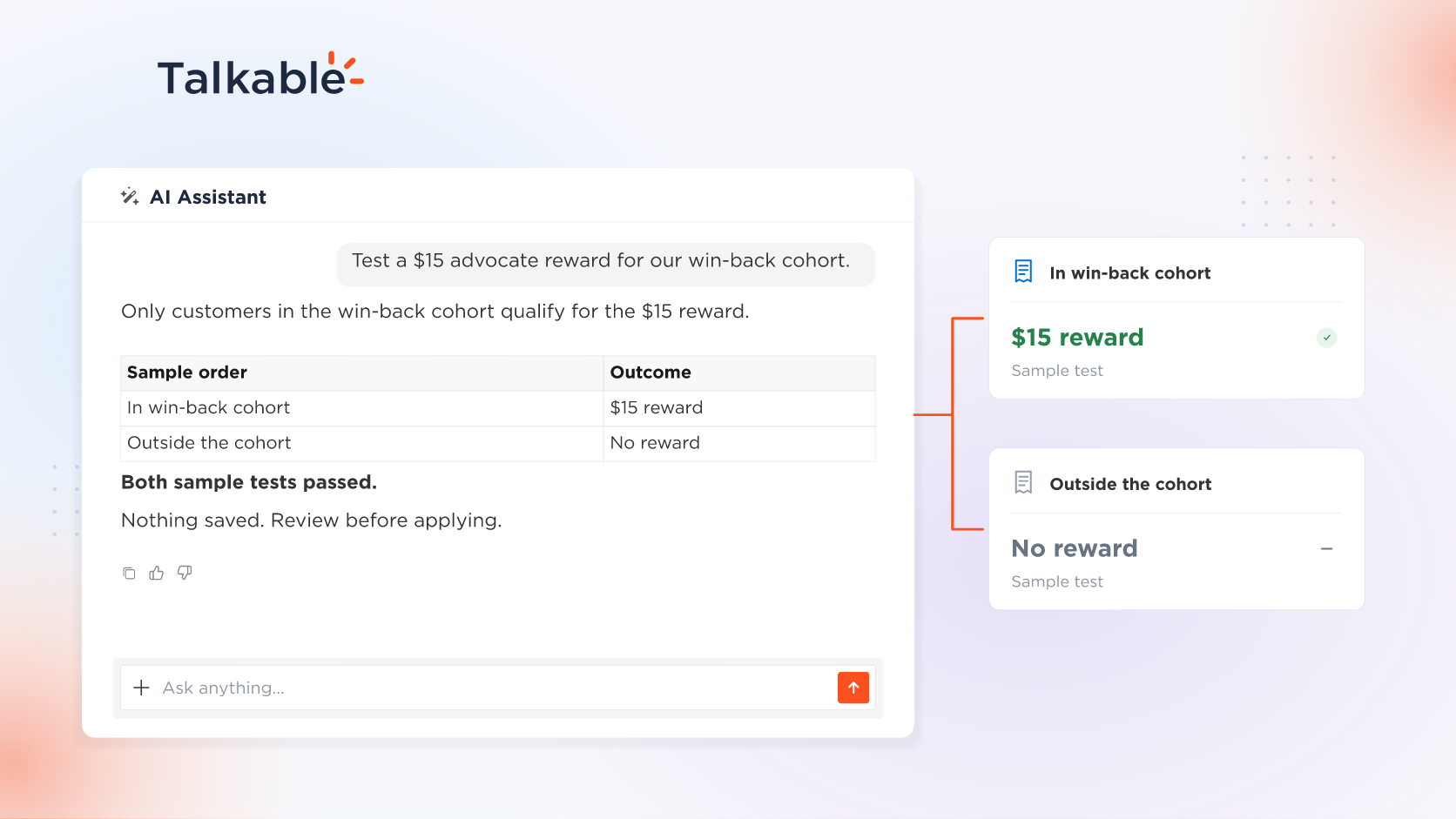
We’ve added incentive rules in plain language to the AI Assistant in your Talkable dashboard. Describe who should earn a reward, and the assistant sets up the rule, tests it on sample cases, and saves it when you approve.
Reward rules are the logic of your referral offer: who qualifies, and under which conditions. Put that logic in your own words and see the rule tested on sample orders before it is saved.
Here’s what you can do:
- Built-in settings first. Ask for first-time customers, a minimum order value, or once per person, and the assistant uses the built-in settings that already cover it. An advocate reward for a first-time customer’s order of $50 or more needs no custom rule.
- A custom rule for the rest. When no setting covers a condition, such as a purchase tracked by a coupon code or a customer property your site records, the assistant writes a custom rule.
- Built on your site’s data. The assistant sees the data a reward rule can use, the same list the editor shows, plus your site’s custom properties.
- Tested on sample cases. The assistant runs the rule on sample cases, such as a coupon-tracked purchase and one without a coupon, and shows where the reward is granted or blocked. Testing saves nothing.
- Saved on your approval. The change to your test-mode campaign appears as a preview and is saved when you click Approve & apply.
Incentive rules build on campaign building with the assistant: the rewards you set up there carry the rules you describe here.
Try: “In the Win-Back campaign, add a $15 advocate reward for customers in our win-back cohort, and test it on a few sample orders before it’s saved.”
With incentive rules, your offer logic starts in plain language, and Talkable applies the saved rule at reward time.
For example prompts, see the Building campaigns with AI documentation.
Date
Posted 3 weeks ago